

Overview
Mixpanel Agent in Slack brings AI-powered analysis to the place your team already collaborates. @mention the bot in any Slack channel and your whole team can ask questions, refine them together, and build on each other’s findings in a single thread — without anyone leaving the conversation to go pull data. It’s built for shared investigations. A PM, an engineer, and a designer can all weigh in on the same thread: one asks how a launch is performing, another follows up with a question about a specific segment, a third drills into session replays for users who churned.Mixpanel Agent in Slack is currently available to Mixpanel Enterprise customers by request. See Getting started below.
What you can ask
The Slack bot queries your data through Mixpanel’s Model Context Protocol (MCP) server, so it can investigate metrics, look up numbers, or dig into user behavior from inside Slack. Investigate a metric- Why did signups drop last week?
- Walk me through the checkout funnel for mobile users in the last 30 days
- How many active users did we have yesterday?
- What’s our 7-day retention for users who completed onboarding in Q1?
- Summarize the “Weekly Growth” board for me
- What tracking do we have on the messaging feature?
- This customer reported a bug — what happened in their last 3 sessions?
How it works in Slack
Mention the bot in any channel. Once@Mixpanel Agent has been added to a channel, anyone in that channel can ask it a question. The bot replies in a thread, so the conversation stays organized.
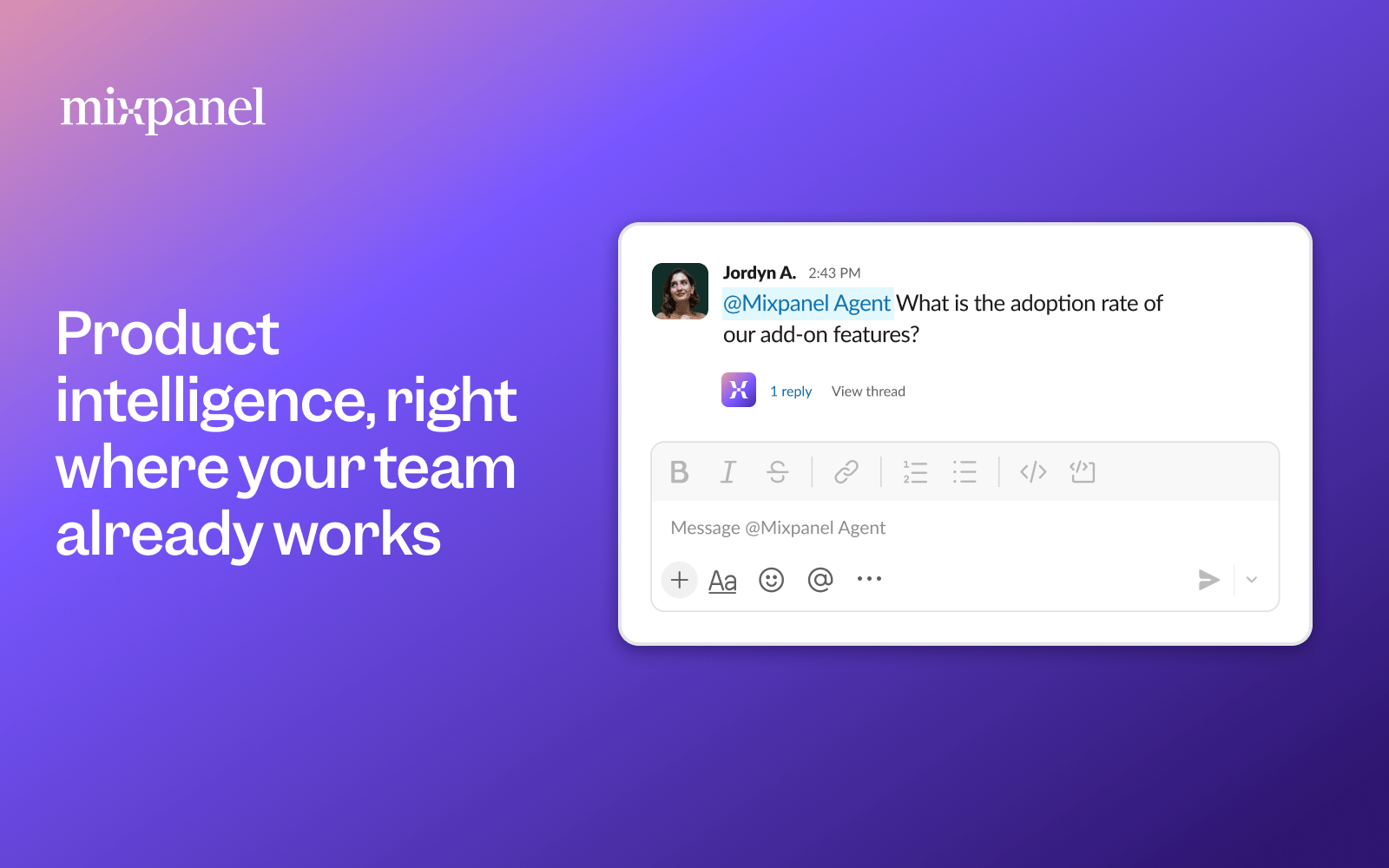
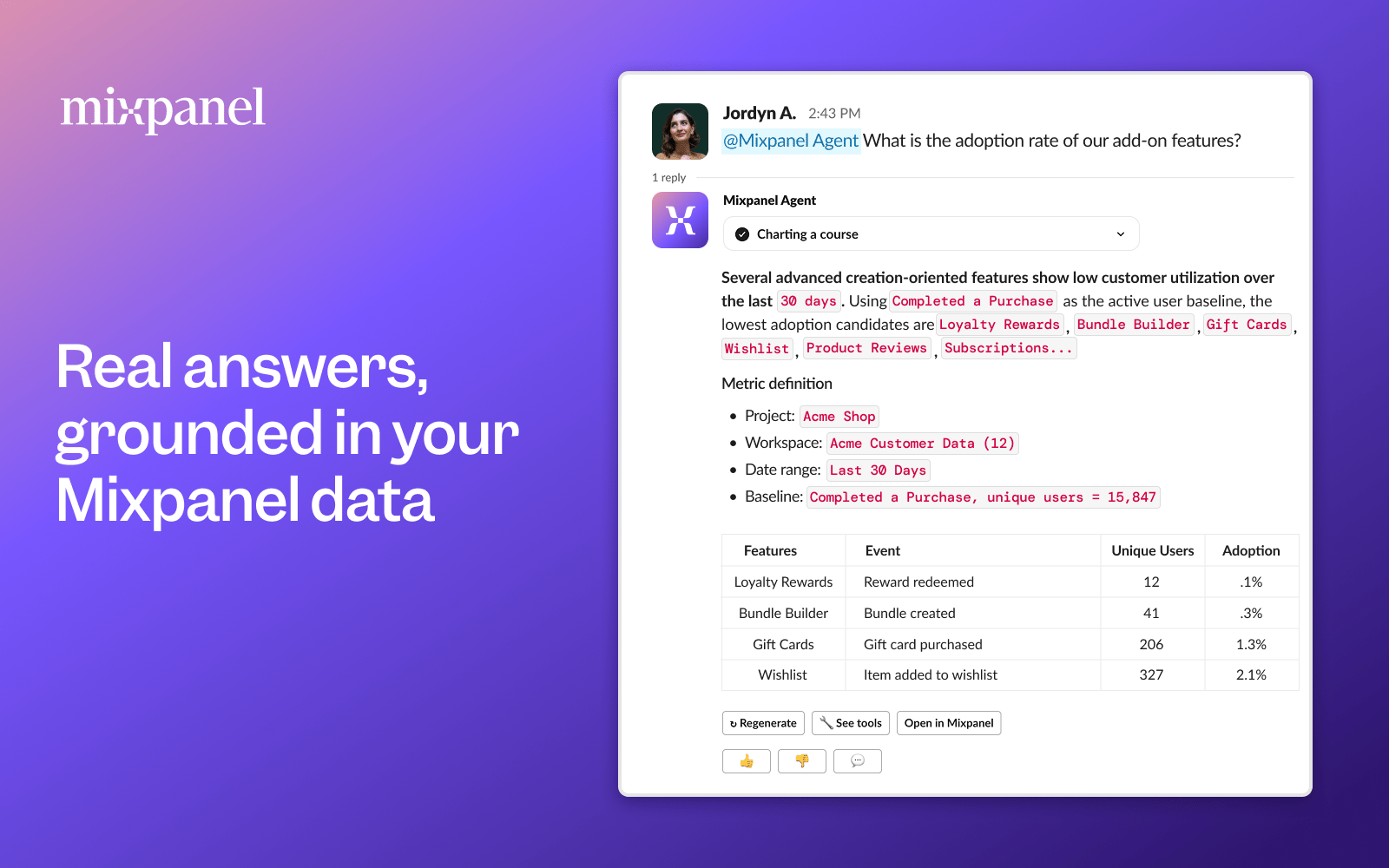
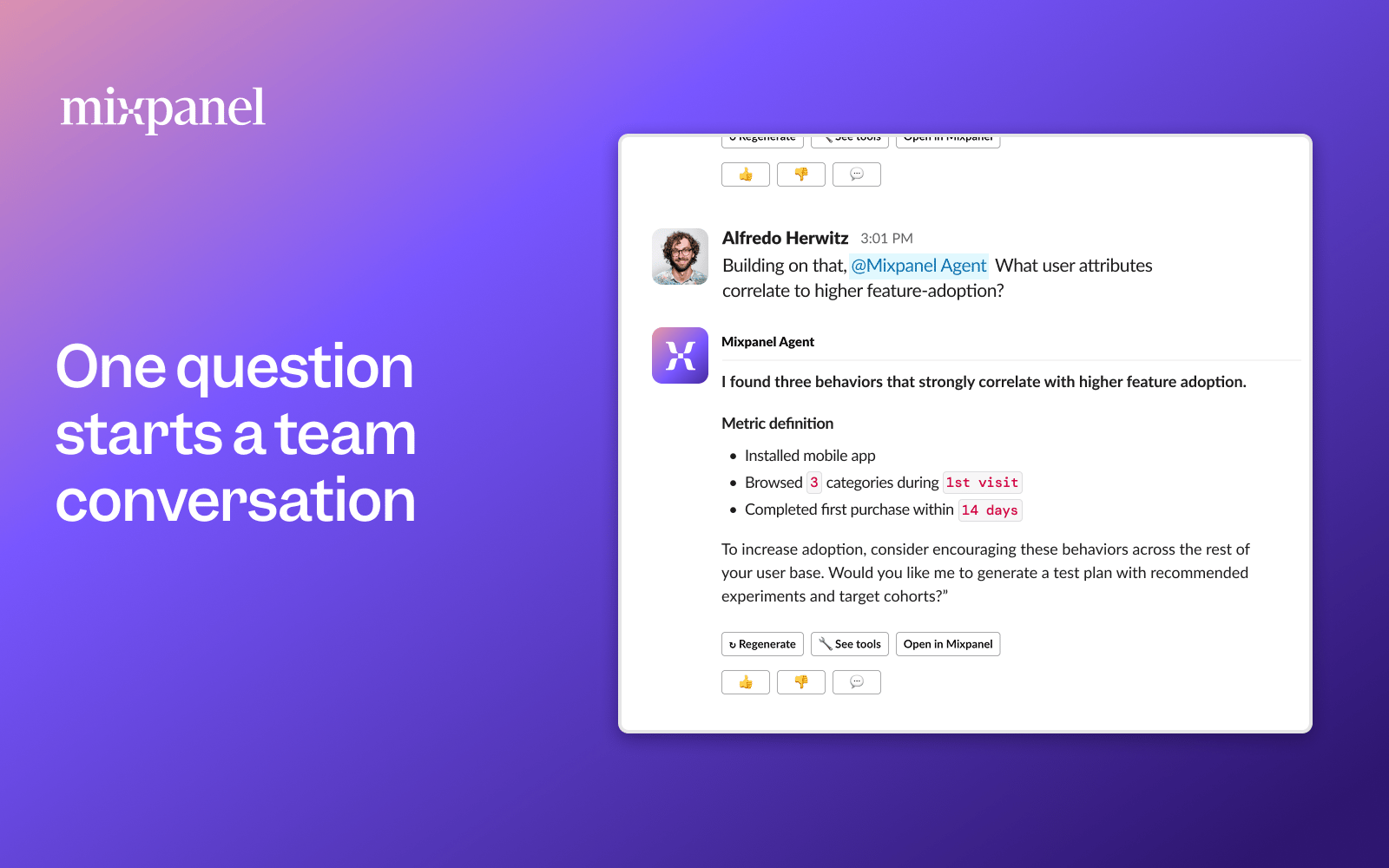
/mixpanel. The first time you ask a question, the bot will prompt you to connect your Mixpanel account. Run the /mixpanel slash command in Slack to complete the one-time OAuth flow. After that, the bot queries Mixpanel using your own credentials and permissions.
Getting started
Mixpanel Agent in Slack is available at no additional cost to Mixpanel Enterprise customers, on request. We’re rolling it out account-by-account during early access. To enable it for your workspace:- Contact your Mixpanel account team. Reach out to your Customer Success Manager or Account Executive and let them know you’d like to try the Slack bot.
- Your account team will share an install link. A Slack workspace admin will need to authorize the app and the requested scopes during install.
- Add the bot to a channel. Invite
@Mixpanel Agentinto any channel where you want to be able to ask questions. - Authenticate. Each user runs
/mixpanelonce in Slack to connect their own Mixpanel account. - Ask a question.
@Mixpanel Agent how many signups did we have this week?
Adding business context improves answers. The Agent uses your project’s Business Context — your team’s definitions, vocabulary, and how to interpret your data — to give more relevant answers. The more context you provide, the better the responses.
A note on shared channels
The Slack bot queries Mixpanel data using your individual permissions and posts responses publicly in the channel where it was asked. This means a response may include data that other members of the channel would not otherwise have access to in Mixpanel. Before asking a question, consider whether the response might contain sensitive or restricted data that isn’t appropriate to share with everyone in the channel. By submitting a query, you accept responsibility for any data surfaced in the bot’s response.A note on accuracy
Like all AI tools, responses generated by Mixpanel Agent in Slack may not always be accurate. Please double-check important findings.Security and data access
This section is intended for security teams reviewing Mixpanel Agent in Slack before approving installation.App distribution status
Mixpanel Agent in Slack is currently an unlisted Slack app. It is not published to the Slack App Directory. Installation is available only via a direct install link shared by your Mixpanel account team.Authentication
Slack OAuth. The bot is installed into your Slack workspace via Slack’s standard OAuth 2.0 flow. A workspace admin must authorize the app and the requested scopes during installation. Mixpanel authentication. Each user individually authenticates with their own Mixpanel account by running the/mixpanel slash command in Slack. The bot does not use a shared service account or API key — it queries Mixpanel data using the authenticated user’s own credentials and permissions.
How Mixpanel data is accessed
The bot accesses Mixpanel data entirely through the Model Context Protocol (MCP), using the individual user’s authenticated credentials. MCP respects your existing Mixpanel organization and project-level access controls. A user can only query data they already have permission to view in Mixpanel — the bot does not elevate or bypass any access restrictions.LLM provider
The bot uses OpenAI as its LLM provider to interpret natural-language questions and generate Mixpanel queries. User questions and Mixpanel query results are sent to OpenAI for processing. Customer data is not used to train AI models — Mixpanel’s contracts with third-party providers prohibit them from using your data to train or improve their models.Slack OAuth scopes
The following bot token scopes are requested at install time. All scopes marked “Required” are necessary for core functionality. Optional scopes enable enhanced features but the bot functions without them.What the bot can and cannot access
Can access:- Messages in channels, DMs, and group DMs where the bot has been explicitly added or mentioned
- Mixpanel data the authenticated user already has permission to view
- Messages in channels the bot has not been added to
- Mixpanel data outside the authenticated user’s organization and project permissions
- Any Slack content beyond the scopes listed above
Data flow
- A user @mentions the bot with a question in Slack.
- The bot reads the message (via Slack OAuth scopes).
- The question is sent to OpenAI to interpret intent and formulate a Mixpanel query.
- The bot queries Mixpanel via MCP using the user’s own authenticated credentials.
- Results are sent back through OpenAI to generate a natural-language response.
- The bot posts the response in the Slack thread.
Privacy
Mixpanel Agent in Slack is covered by Mixpanel’s standard privacy and data handling policies.- Mixpanel Privacy Policy
- Mixpanel Privacy Hub
- Mixpanel Data Processing Addendum
- Mixpanel Agent Beta Service Addendum