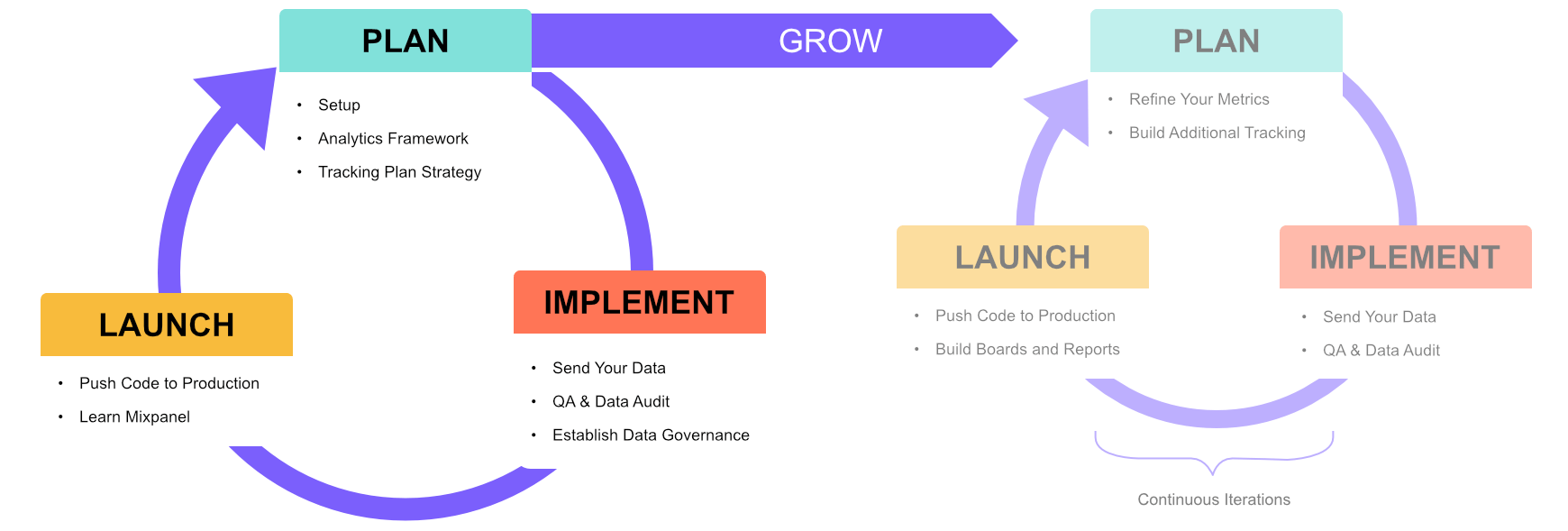
- Send Your Data - walkthrough the different ways you can send data into Mixpanel and guide you on choosing the most suitable approach.
- QA and Data Audit - covers QA (Quality Assurance testing) and auditing of your implementation before you send live data into your Mixpanel production project.
- Establish Governance - guide you in establishing good data governance practices beyond the initial onboarding to you keep your implementation clean, concise and consistent.
Send Your Data: Implement Your Tracking Plan
Mixpanel provides a variety of methods to send your data. Depending on your existing infrastructure, availability of development team resources, and the type of data you plan to collect, this section will help guide you in selecting the right ingestion method to implement your tracking plan.Choosing an Ingestion Method
When it comes to deciding which ingestion approach to use, there are no fixed rules; and each approach comes with its own advantages and limitations.- Source of Truth: Does your company have data that is considered the “source of truth” when it comes to business reporting?
- Data Tools: Do you use any existing Event Streaming, Customer Data Platform (CDP), or Data Warehouse?
- Clickstream Data: Are you already collecting any clickstream data, and if not, do you have the ability to collect them?
- Development Team: What available development resources does your company have to implement the ingestion approaches?
- Speed: Easiest way to start collecting data
- Scale: Long-term view of being able to scale data collection as product changes
- Quality: Accurate, clean, and completeness of data collected

SDKs: Client-Side vs Proxy vs Server-Side
Mixpanel supports a wide range of Client-Side and Server-Side SDKs. In general, we recommend utilizing Client-Side SDKs if you have limited development resources, no existing data collection infrastructure, or have no reliable method to track clickstream data. Whilst they might be initially the easiest to set up, ad-blockers can impact your ability to track data accurately. Furthermore, it can be difficult to keep metrics consistent when utilizing client-side SDKs across multiple platforms such as across both a website and mobile app.Customer Data Platforms (CDP)
If you currently utilize a Customer Data Platform (eg mParticle, Rudderstack, Segment), you can also use this to send your data to Mixpanel. If you’re switching to Mixpanel from another analytics tool, CDPs will also allow you to easily migrate your historical data into Mixpanel.Data Warehouses
If your data is already stored in a data warehouse, our Warehouse Connectors allows you to import different Table Types that map to Events, User Profiles, Group Profiles, and Lookup Tables in your Mixpanel project. It also provides various Sync Modes such as Mirror, Append, Full, and One-Time syncs to ensure that your data in Mixpanel matches your trusted data source.Event Streaming / Cloud Ingestion
If your company already has an existing event stream pipeline, you could use it to send data into Mixpanel as you receive it. You can refer to our documentation for examples on how to setup a pipeline from Amazon S3, Google Cloud Storage, Google Pubsub.Direct API Ingestion
If you would like to send data directly to Mixpanel servers without the need of any sort of intermediary layer, you can utilize our Ingestion API to send in events. and add / update / delete existing user profiles.Identity Management Best Practices
Note: This section explains identity management using the Simplified Identity Management setting. If you are unsure, do refer to the Setup section to check your organization and project settings.As users navigate through your website or application, it is common for them to move between anonymous (logged out) to identified (logged in) states. Users can also use multiple devices or platforms that you may provide for your product. As such, it is crucial that you ensure correct identity management throughout in order to accurately track your users.