Overview
This integration allows you to export Cohorts of users from Mixpanel to Segment so that you can better target users across many downstream connections.Permissions
You must be a Mixpanel project admin to enable the Segment integration.Enable the Integration
This connection requires set up on both Segment and Mixpanel.Segment Setup
The connection requires a Segment Write Key. You can obtain this key via Segment’s UI:- Log into your Segment workspace and click Sources under Connections in the menu bar on the left.
- Click Add Source button on the right side above the sources table.
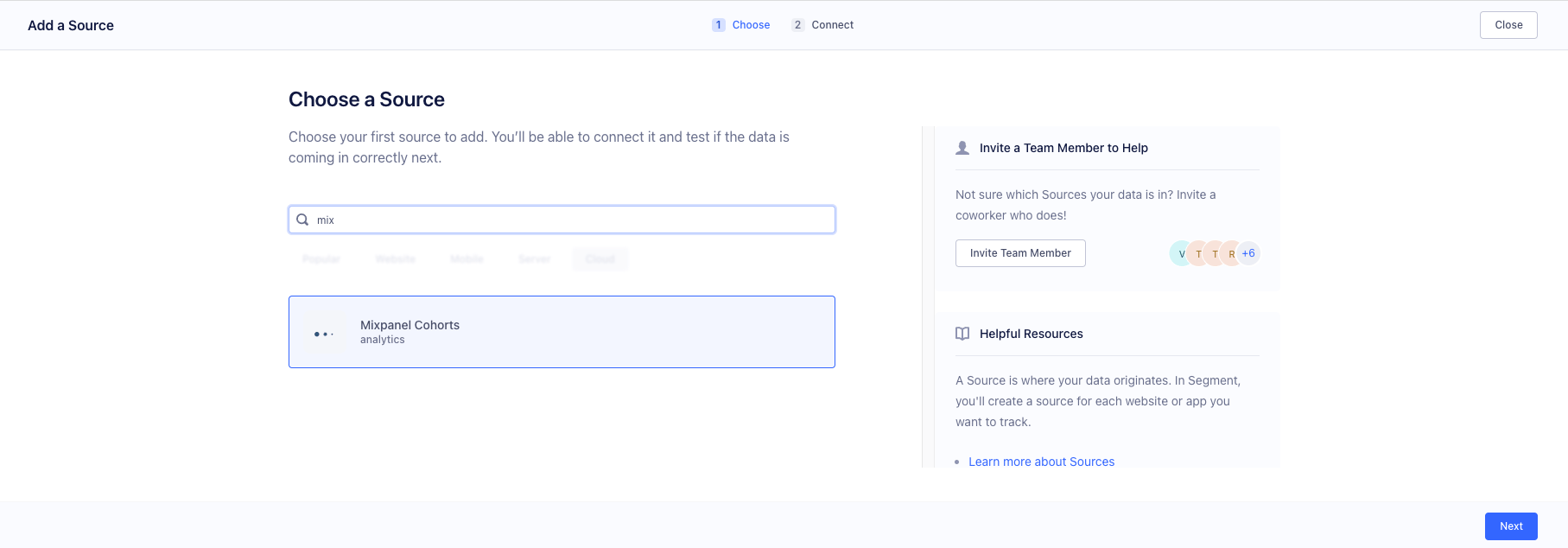
- Search for Mixpanel Cohorts, select and hit next
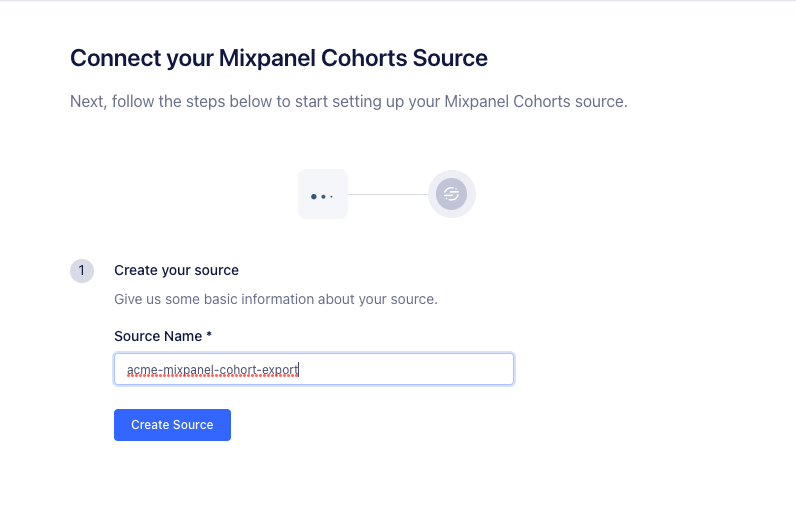
- Create a Mixpanel Cohorts source.
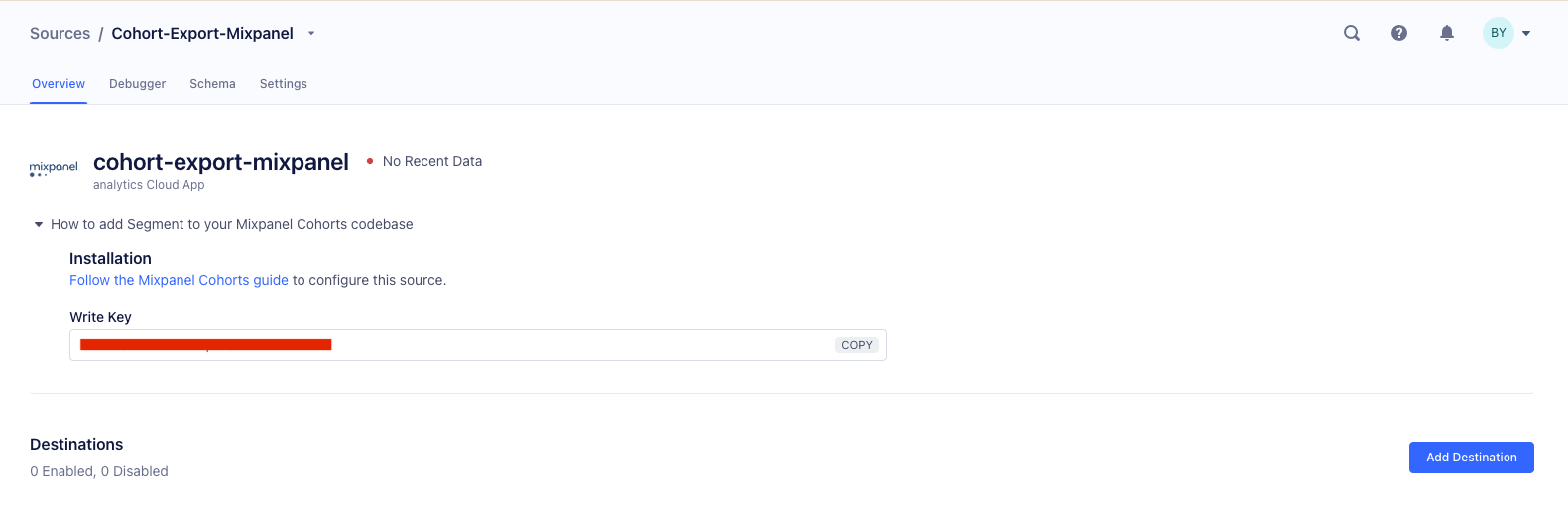
- Copy the Write Key displayed there.
Mixpanel Setup
We will use the Write Key from Segment to enable the connection in Mixpanel.- Navigate to Data in the nav bar, then select Destinations.
- Click Add Destination, select Segment, click Connect, and paste the Write Key that you generated in Segment.
If you set a User ID Property, it should be a Mixpanel user property that matches the Segment User ID.
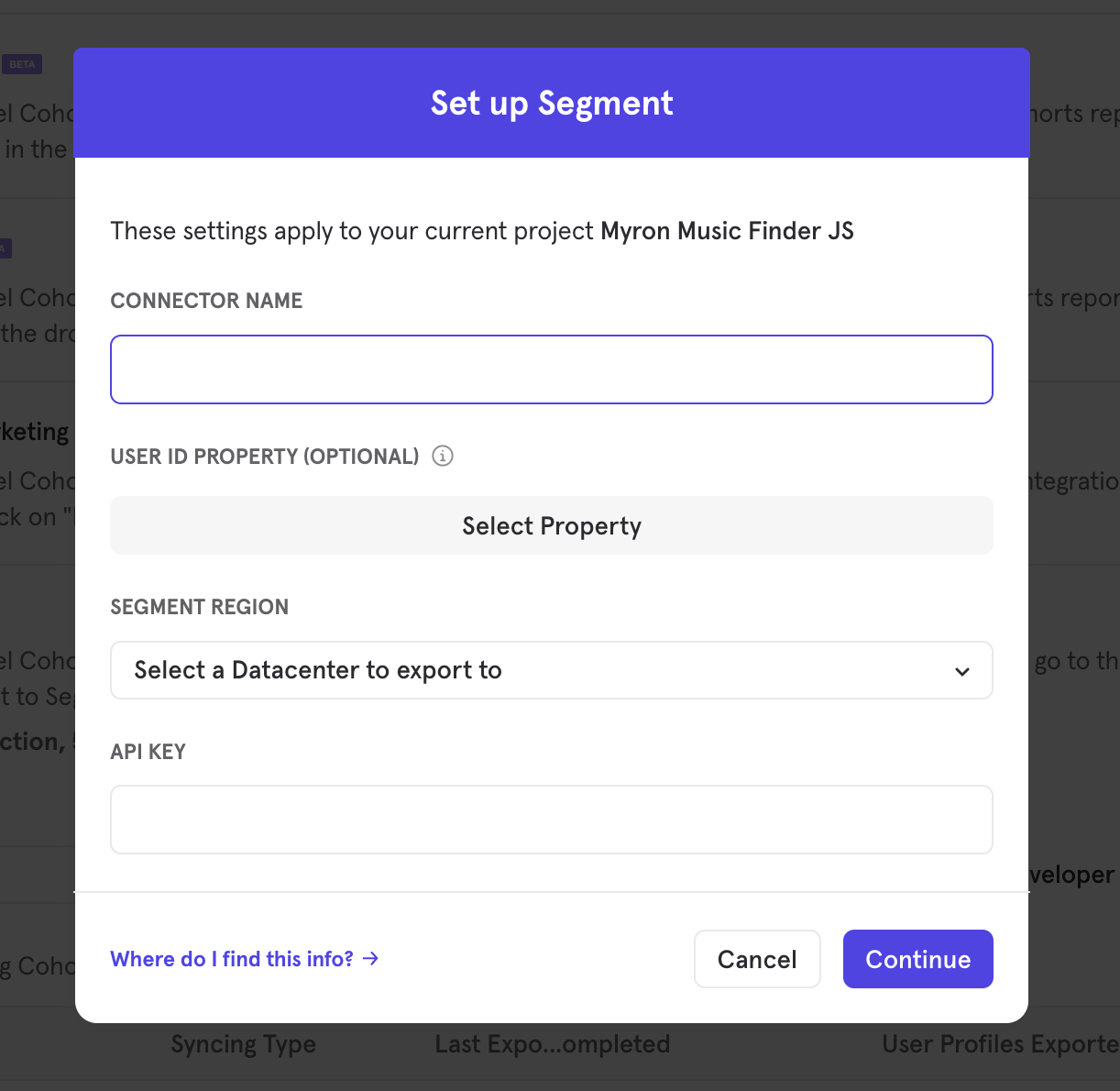
- Click Continue to complete the process.
Export a Cohort
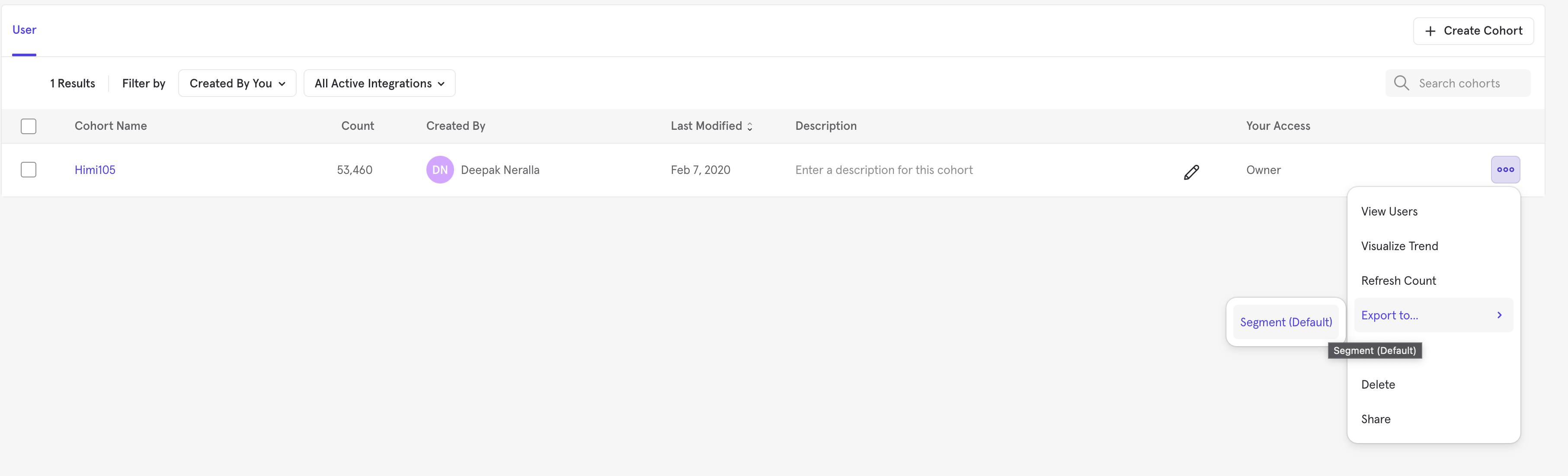
To export a Mixpanel cohort into Segment.- From the Destinations page (recommended)
- From Lexicon
- Navigate to Data in the nav bar, then select Destinations.
- Find the Segment destination in the list and click on it.
- Click the Syncs tab, then click Add Cohort Sync.
- Select the cohort you want to export and configure the sync (one-time or dynamic). Click Start Sync.
Sync Types
There are two types of sync: one-time and dynamic. When you generate a one-time export or dynamic sync, it overwrites the previous export with an updated export that reflects users who qualify for the cohort at the time of export.One-Time
In this sync, Mixpanel sends Segment the static set of users who currently qualify for the cohort. The cohort data will not be updated in Segment after a one-time export.Dynamic
In dynamic sync, Mixpanel initiates sync between a cohort and Segment every 15 minutes. The exported cohort will be updated every 15 minutes to reflect the most recent list of users in a cohort.Verifying in Segment
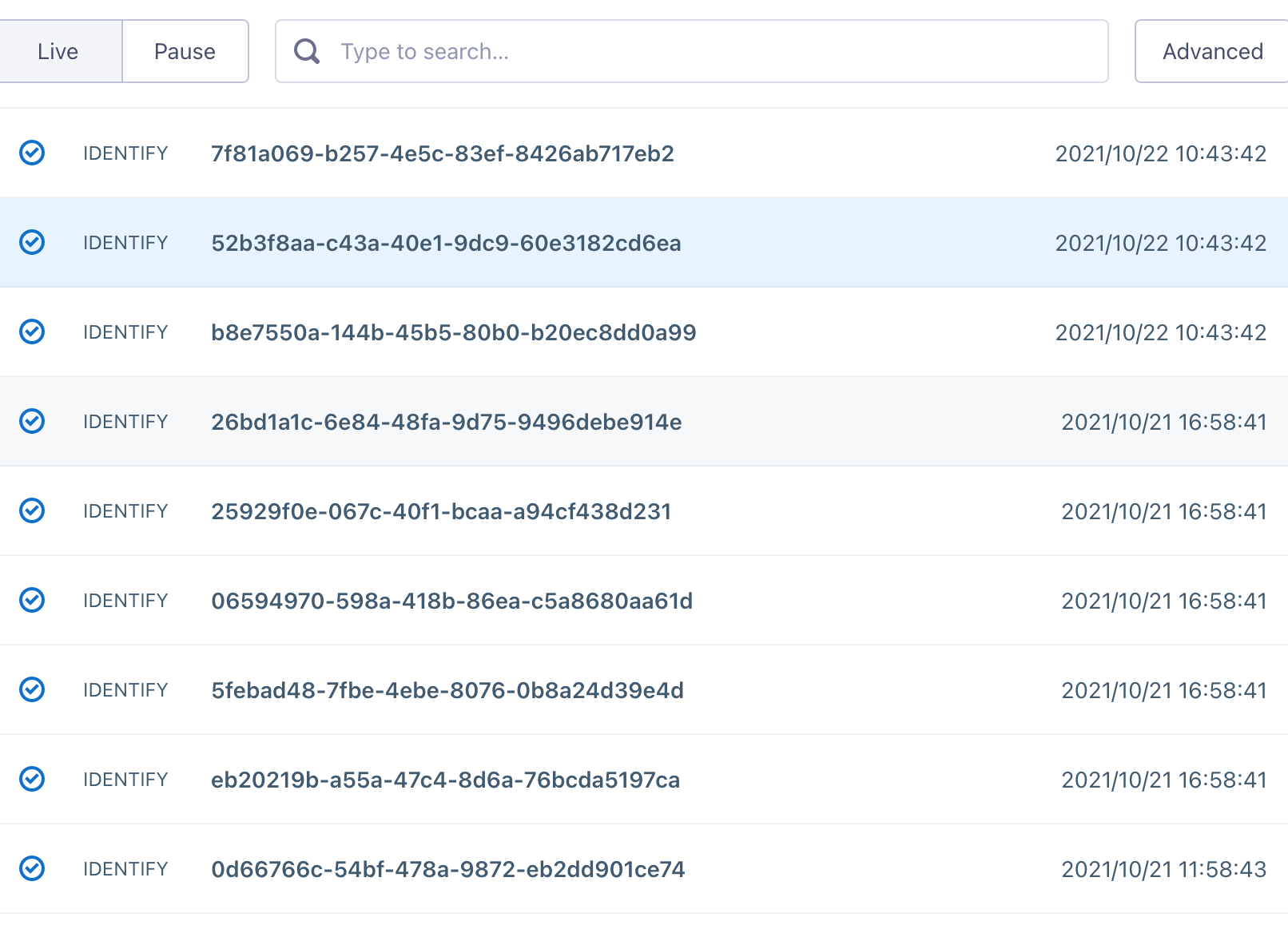
Once the export completes, you can open the debugger on the source you created in Segment above and you’ll see “identify” calls flowing in for each user that has been added or removed from the cohort.